
Sunday evening, and someone in the class group writes "what do we have tomorrow?" and then "can someone photograph the timetable?" Shaat Efes for Students is built for that moment: the timetable on the phone, and one answer to the question asked every evening.
Who it is for
Middle and high school students, especially those whose parents already use Shaat Efes: the parent sends a link and the timetable arrives by itself. Students whose parents are not on the app start alone, with no sign-up.
What is inside
- Today. Which lesson is on now, how many minutes until it ends, and what is next. After school, what is on tomorrow.
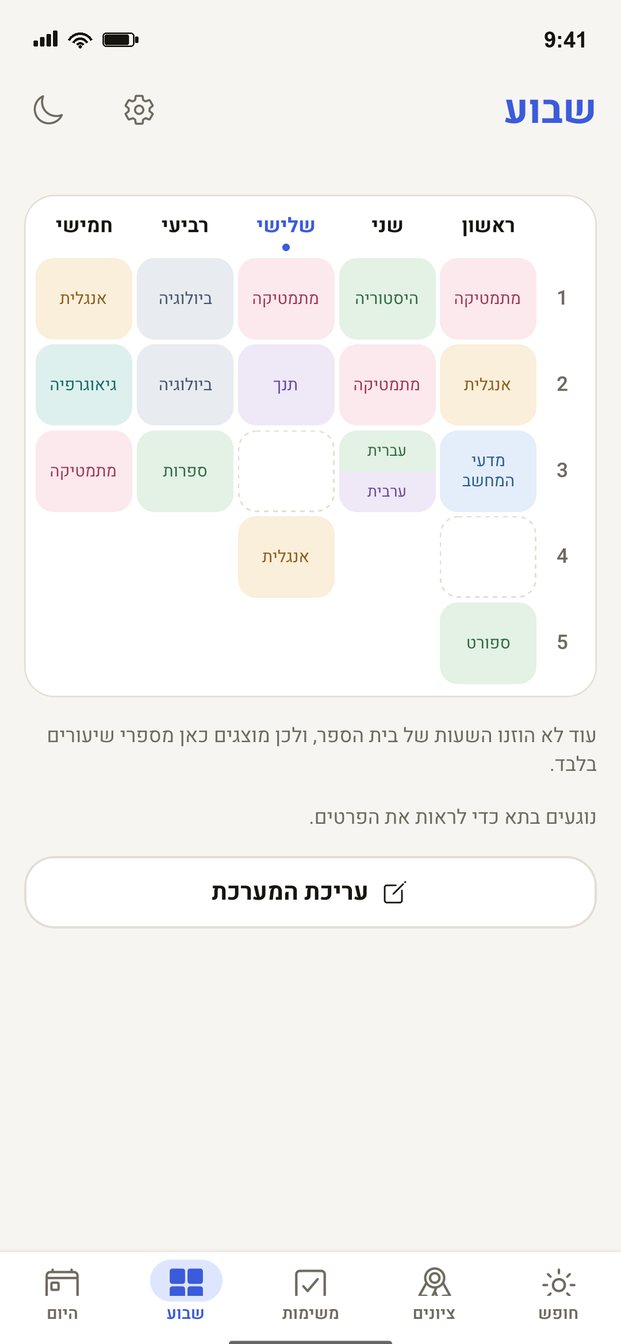
- The week. A grid of the whole week, each subject in its own color. Tap a cell for teacher, room and time.
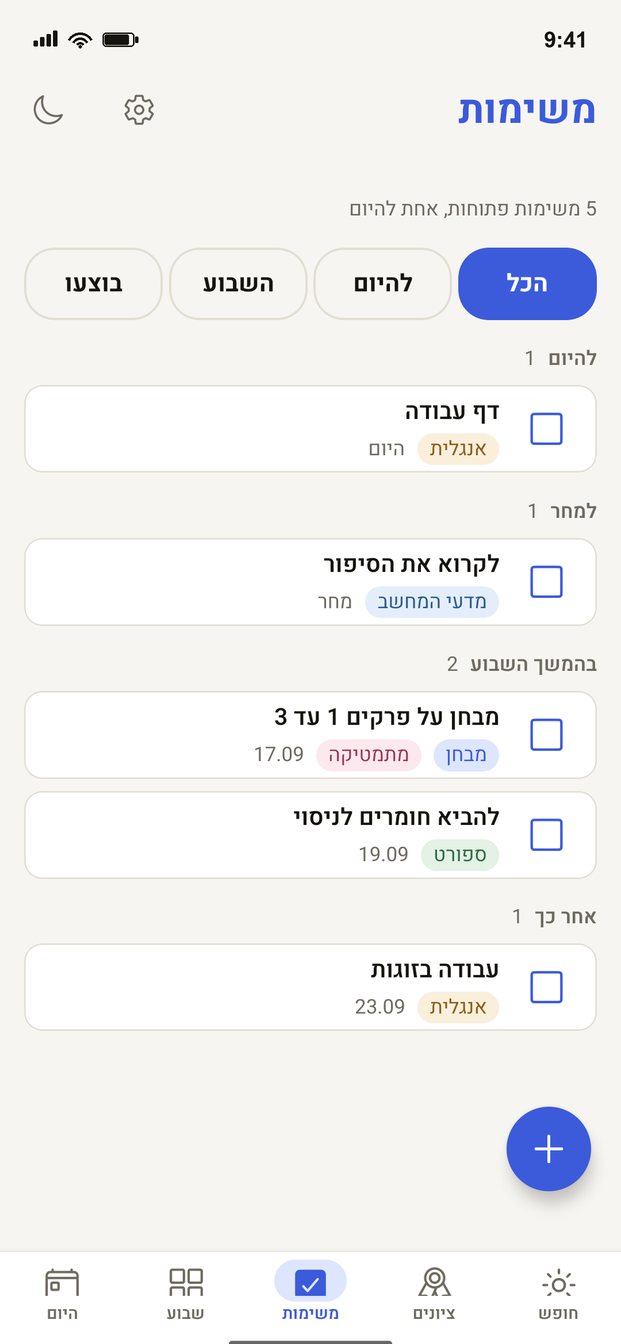
- Homework and exams. With due dates: today, tomorrow, later this week, overdue. Tick when done.
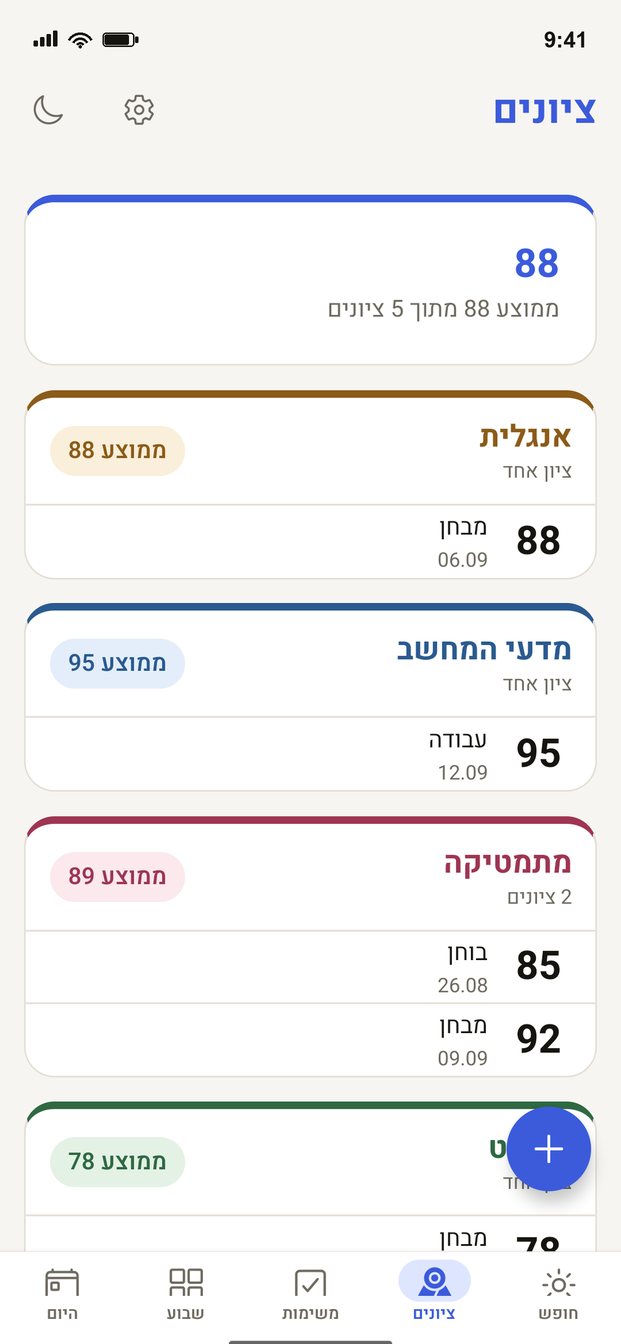
- Grades. Each grade with a subject and a weight, an average per subject and overall.
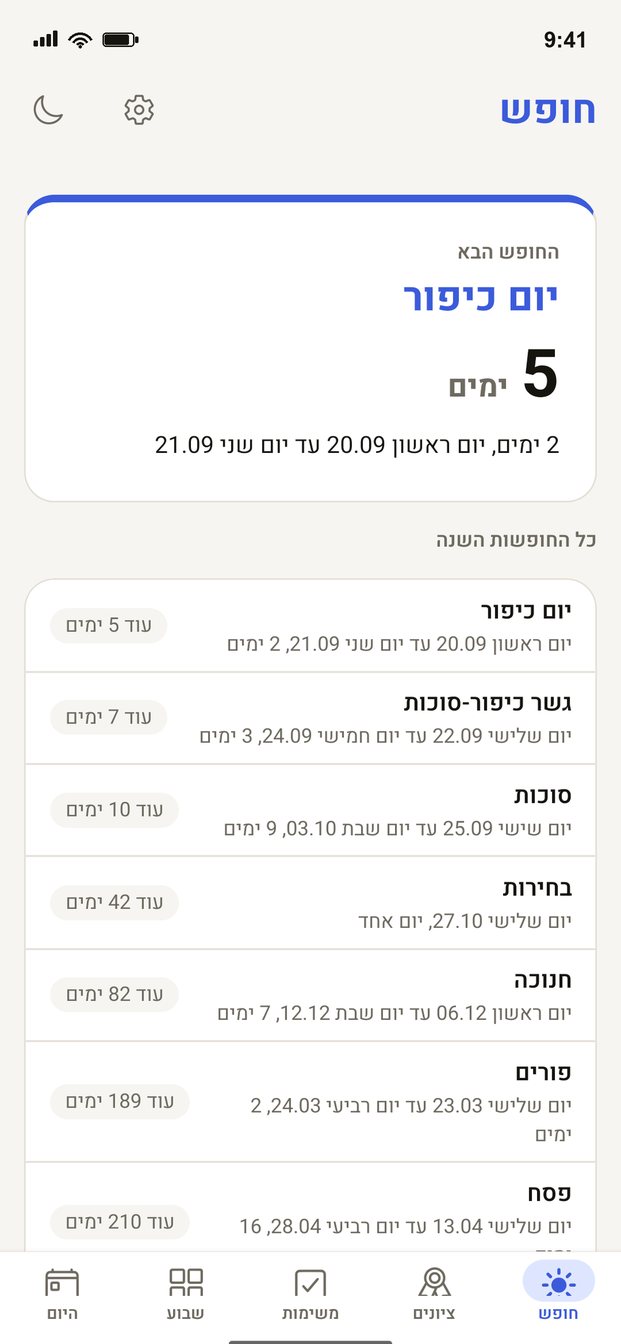
- The next break. Days until the nearest school break, how long it lasts, and every break of the year from the Ministry of Education calendar.
- Evening reminder. What is on tomorrow and what is due. Off until you turn it on.
- Home screen widget. Tomorrow's timetable and the countdown to the break, without opening the app.
Parents, if you want
The timetable is always shared: what the parent edits shows up for the student and vice versa. Homework and grades stay the student's. Parents see them only if both the student and the parent turned it on, each on their own phone. One flag would be surveillance; two are consent.
Links
- Download on the App Store: Shaat Efes for Students
- Download on Google Play: Shaat Efes for Students
- Share link: luz.goai.co.il/student
- Privacy policy